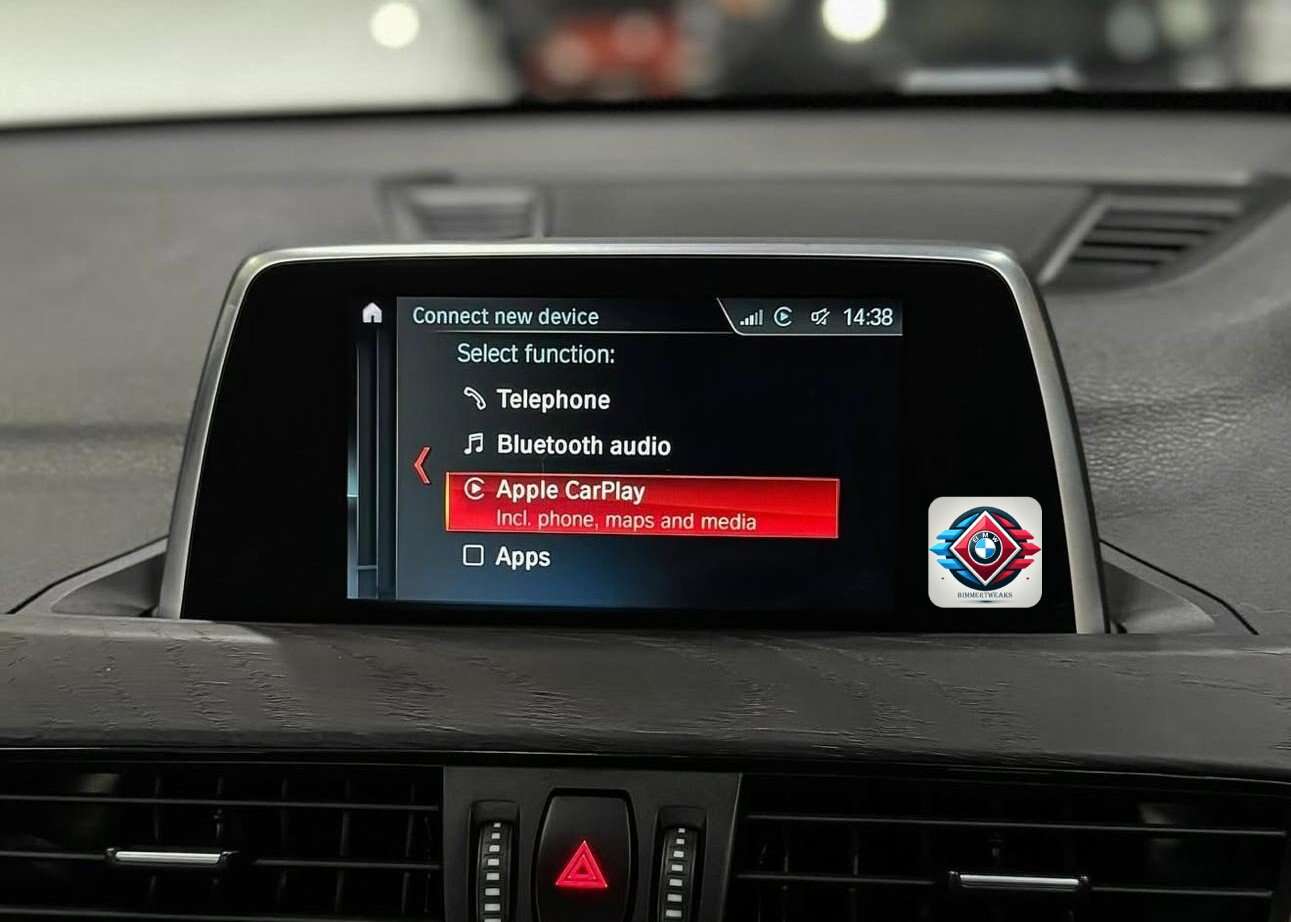


📱 Activate Apple CarPlay on BMW vehicles equipped with EntryNav2 head units.
This service enables CarPlay activation for BMW F and G Series vehicles that use the EntryNav2 navigation system.
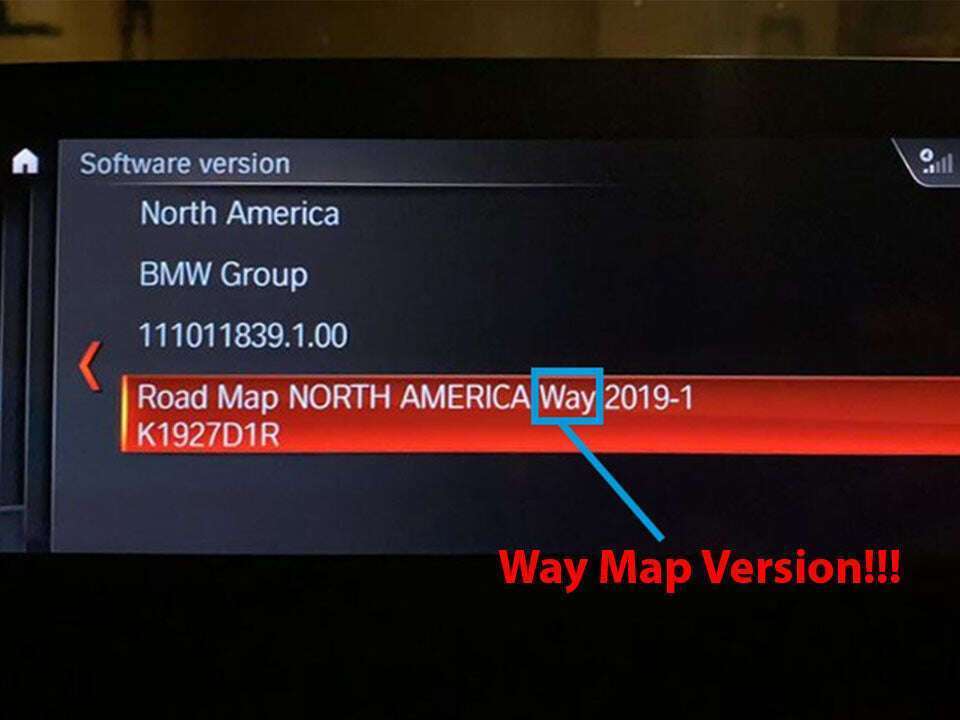
EntryNav2 systems typically run WAY Maps or may have no navigation maps installed.
⚠️ Before purchasing, please contact us so we can confirm compatibility.
1️⃣ How to Check if Your BMW Has EntryNav2
You can verify your system directly from the iDrive menu:
Navigation → Scroll down to Settings → Position & Version → Version Information
If your system shows WAY Maps, your car is equipped with an EntryNav2 head unit.
2️⃣ CarPlay Activation Requirements
CarPlay activation is possible only if the head unit has a WLAN / Wi-Fi port.
We can verify whether your unit has a WLAN / Wi-Fi port using the VIN number of the vehicle.
To perform the activation you will need:
- 🔌 ENET cable (not included / we do not sell it)
- 💻 Mac or Windows 10 / Windows 11 laptop
- 🛡 Firewall and antivirus disabled
- 🌐 Strong and stable internet connection
The activation process takes approximately 2 minutes.
No coding knowledge is required — simply run our Feature Installer using the instructions provided.
📩 Not Sure if Your BMW is Compatible?
Send us your VIN number and we will check compatibility before purchase.
➡ Contact us anytime using the WhatsApp button below.